Episode 142: Markus Erlandsson and Malin Martnes chatted with Mats Necker from knk Customer Engagement about Power Automate. Mats started by explaining how he convinced speakers to dye their hair at Color Cloud Hamburg. When discussing Power Automate, Mats is passionate about its power and all the abilities that it has, however, some drawbacks make it less suitable as an integration tool. He ends the episode with a discussion of both how we can help with improving a common community tenant and donating to see Mats do Drag at the Scottish Summit!
Bio
I like lots of stuff 👉 Power Platform 💘 Dynamics 365 🚀 Azure 🧙♂️
I worked for over 10 years with Microsoft Biz Apps as a solution architect/developer, starting with Business Central nowadays love the Power Platform & Azure
Episode 138: Markus Erlandsson and Malin Martnes chatted with Matt Collins-Jones from Capgemini about his FastTrack Recognized Solution Architects in Power Automate. Matt posted a video a day on YouTube for more than a year. Matt starts by explaining his journey to the recognition and then what he has learned.
Bio
A hardworking, Power Platform enthusiast, who loves to be challenged. An avid student and teacher, I volunteer to organise and present at numerous community events worldwide—a keen blogger and content creator with over 400 videos on YouTube.
Episode 108: Markus Erlandsson talks to Nick Hance from Reenhanced about Robotic Desktop Automation and RPA, and how you can automate most things that don’t have an API. Nick starts by explaining what Robotic Process Automation (RPA) means and part of its history. He continues to talk about attended vs unattended and what the difference is, how you can use it to automate your tasks and be more effective.
Bio
Nick is heavily focused on WordPress and the Microsoft Power Platform and is the author of two Power Automate connectors, Gravity Forms, and Power Form 7 (for Contact Form 7). He’s aiming to make using WordPress with Power Apps & Power Automate, pleasant, profitable, and enjoyable. Nick is an accomplished software developer and president of Reenhanced, a company that has reviewed and tagged each and every one of the 585 Power Automate connectors at connectorreview.com.
Episode 104: Markus Erlandsson talks to Heidi Neuhauser from Reenhanced about Power Automate Connector Bonanza, about the fact that we have now passed 500 connectors and what a milestone that is. Heidi starts by explaining that she has reviewed, tagged and rated all of them. Then she continues with explaining the Dataverse connector and how to use that (or those). Reenhanced has made two Microsoft Certified connectors so Heidi explains the process and just how much testing is done, she continues to talk about how open source could be beneficial and what Independent connectors are how cool they can become. The show ends with some teasers about how good Desktop flows are.
Bio
Heidi Neuhauser is Director of CRM Projects at Reenhanced, a software company specializing in rescue projects. With more than ten years of experience in Microsoft CRM, she has a wide variety of industry and product knowledge working with organizations of all sizes (from small non-profit organizations to Fortune 100 companies) to implement CRM and train end users.
Heidi has a notable passion for Microsoft Dynamics and it shows in every project she works on. She volunteers regularly in the CRMUG community. She serves as Chair for the CRMUG Philadelphia Chapter, speaks at CRM industry events about best practices and provides webinar trainings for others in the CRM community.
Heidi has experience with CRM across multiple industries, including education, oil and gas, distribution, manufacturing, travel, insurance, construction, not-for-profit, software, manufacturing, government and transportation. Some of the integrations Heidi has managed and trained end users around include ClickDimensions, ActOn, Hubspot, Exact Target, call center integrations and a number of ERP integrations. Additionally, she has assisted multiple organizations to roll out Sales, Marketing and Service for the first time, helping them to leverage technology to gain user adoption of the system.
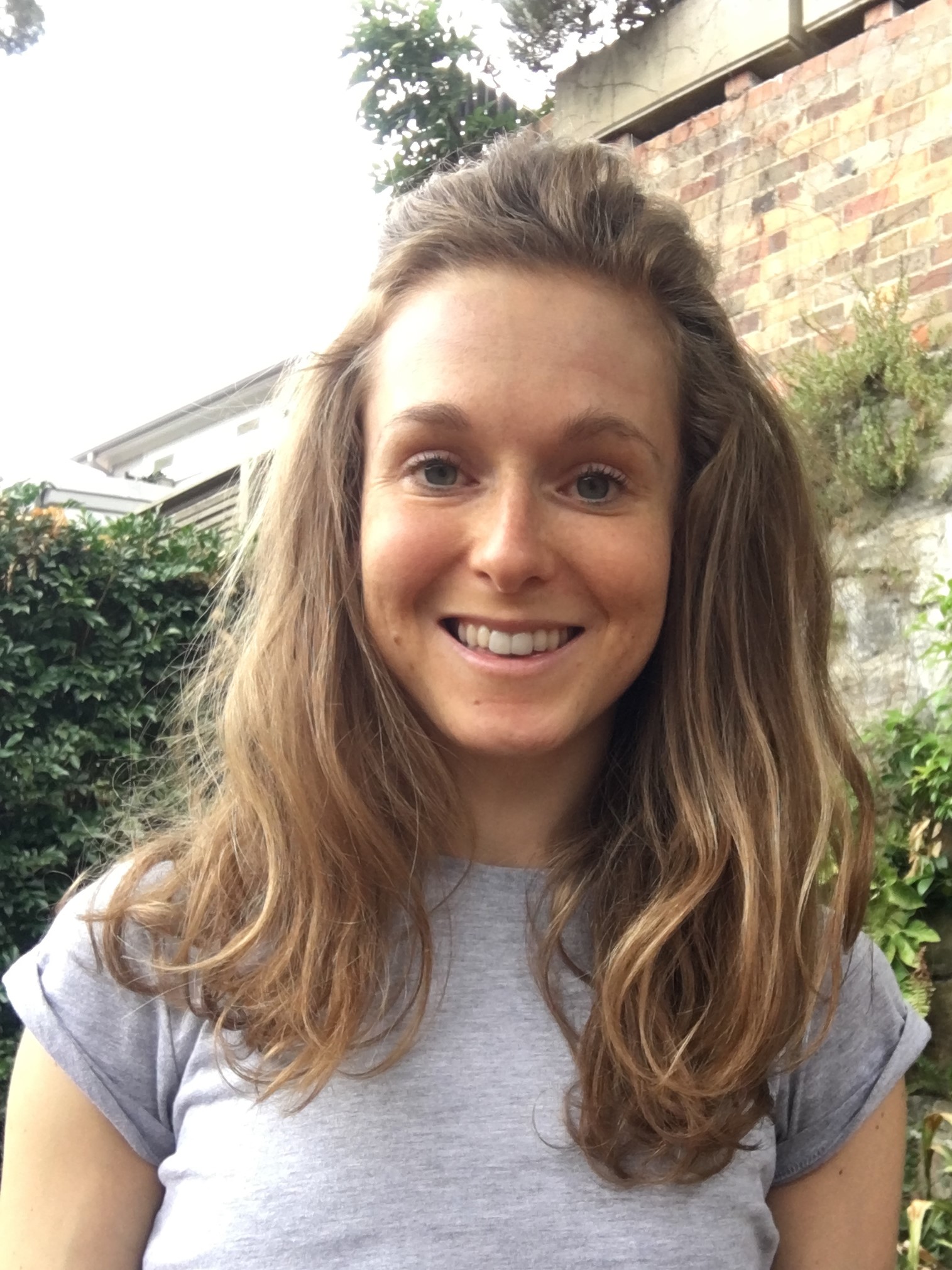
Episode 91: Markus Erlandsson talks to Amey Holden from DXC Technology about and her solution to use Power Automate to get Social media information back into Dynamics Marketing. Amey begins with describing what exists in Marketing app today and what existed in Social Engagement before that was discontinues, then she continues to describe how you can use her solution in all kinds a ways and how she has used it with Twitter and Instagram.
Bio
A newly fledged Business Applications Microsoft MVP and a dedicated ABC (Anything But Code) consultant who is passionate about extending and improving Dynamics Customer Engagement & Marketing with the mighty Power Platform. The end goal of which is to create enjoyable user experiences. Living the Dynamis 365 consultant life since my first day on the IBM graduate scheme and never looked back. Originally from the UK but relocated to Australia a year and a half ago for and change of scene and to avoid becoming a grown-up – I don’t plan on leaving anytime soon.